
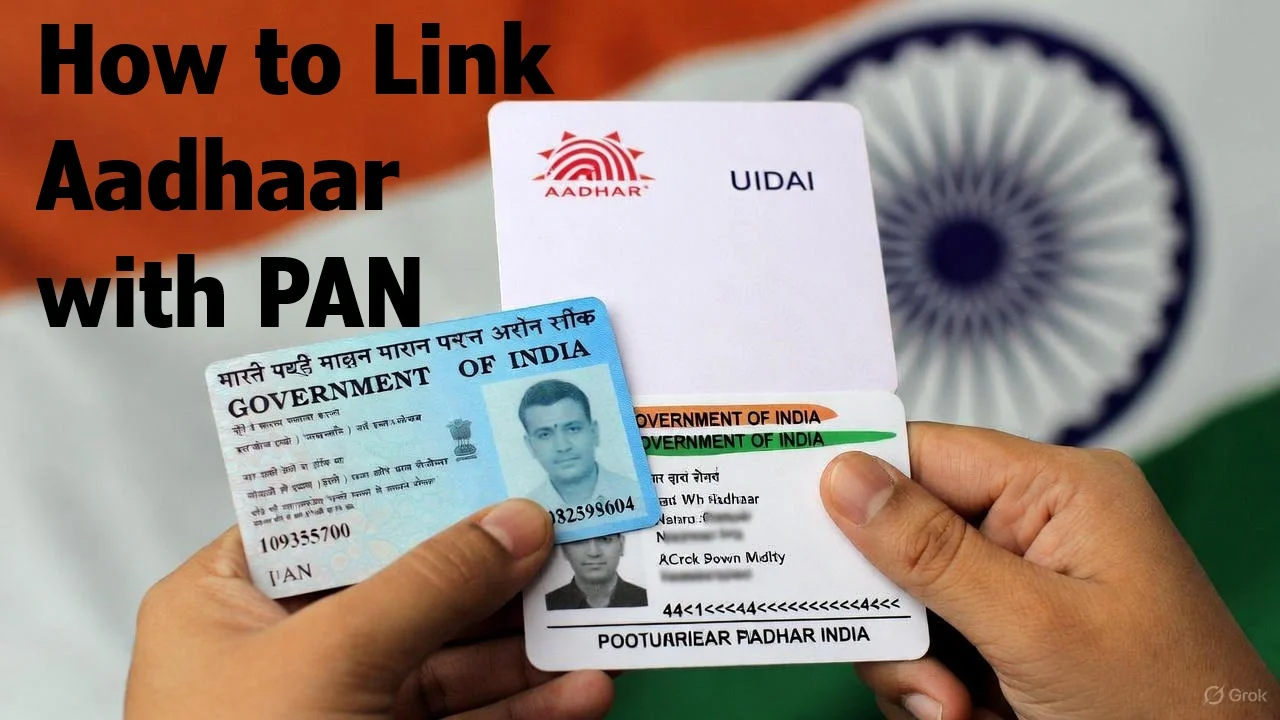
Hey there! If you’re an Indian taxpayer, you’ve probably heard about linking your Aadhaar card with your PAN card.
It’s something the government made mandatory a while back, and if you haven’t done it yet, your PAN might not work properly for things like filing taxes or bank stuff.
Don’t worry, though – it’s not as complicated as it sounds. In this article, I’ll walk you through how to do it step by step, in simple words. I’ve gone through this myself, and trust me, once you get the hang of it, it’s easy peasy.
First off, why bother? Linking Aadhaar with PAN helps the government keep track of financial things better and stops fraud. Plus, it’s required by law for most folks.
If you didn’t link it by June 30, 2023, your PAN becomes “inoperative,” which means trouble with income tax returns and other official work. But good news: you can still link it now, though there’s a small fee.
What You Need Before Starting
Before jumping in, make sure you have:
- Your PAN number (that’s the 10-digit one on your PAN card).
- Your Aadhaar number (12 digits).
- A mobile number that’s linked to your Aadhaar – you’ll get an OTP on it.
- Access to the internet, of course.
If you’re new to this, head over to the official Income Tax e-Filing website. That’s where all the magic happens.
Step-by-Step: How to Link Them
There are a couple ways to do this, but the main thing is you gotta pay a fee first (it’s ₹1,000 right now, I think). You can do it without logging in or after logging into your account. Let me explain the easiest way.
Way 1: Without Logging In (Pre-Login)
- Go to the e-Filing portal home page – just search for “Income Tax e-Filing” on Google, and click the official site.
- On the main page, look for “Quick Links” and click “Link Aadhaar.”
- Put in your PAN and Aadhaar numbers, then hit “Validate.”
- If it says your payment isn’t found, click “Continue to Pay Through e-Pay Tax.” This is where you pay the fee.
- Enter your PAN again, confirm it, and add a mobile number for OTP.
- Verify the OTP, and you’ll go to the payment page.
- Choose “Income Tax” tile, pick the right Assessment Year (usually the current one), and select “Other Receipts (500)” as payment type.
- The amount will show up – pay using net banking, card, or whatever.
- After payment, go back and submit the link request by entering details and OTP again.
- Boom! Your request is sent. It might take a few days to process.
Way 2: After Logging In (Post-Login)
If you have an account on the portal (and you should, it’s free to register), log in first.
- On your dashboard, go to “Profile” and click “Link Aadhaar.”
- Enter Aadhaar, validate.
- If needed, pay the fee like above.
- Fill in details, get OTP, validate.
- Done! Check status later.
Sounds straightforward, right? But remember, if you’ve already paid but it doesn’t show, wait 4-5 days before trying again.
How to Check If It’s Linked
Once you’ve submitted, don’t just forget about it. Check the status:
- On the home page, click “Link Aadhaar Status” under Quick Links.
- Enter PAN and Aadhaar, hit “View.”
- It’ll tell you if it’s linked, pending, or something wrong.
If it’s pending with UIDAI (that’s the Aadhaar folks), give it time. If there’s a mix-up, like your Aadhaar linked to wrong PAN, contact your local tax officer. You can find their details on the site.
Common Problems and Fixes
- Payment not showing? Wait a bit, or double-check if you paid correctly.
- Already linked but wrong? Talk to your Assessing Officer to delink.
- No mobile linked to Aadhaar? Update your Aadhaar first at a center or online.
- Exempted? Some people like NRIs or super seniors don’t have to link – check if that’s you.
I once had a glitch with OTP not coming, turned out my phone network was bad. So, try in a good signal area.
Frequently Asked Questions (FAQs)
Q1. How much does it cost to link Aadhaar with PAN now?
Answer: It costs ₹1000. You have to pay this late fee online only through the Income Tax website.
Q2. Is it really mandatory?
Answer: Yes! If not linked, your PAN stops working. You can’t file ITR, open bank FD, buy property above ₹50 lakh, or do many bank transactions.
Q3. I am an NRI. Do I need to link?
Answer: No, NRIs don’t have to link if they don’t have Indian income. Just submit Form 60 every time you do a big transaction.
Q4. I am above 80 years old. Do I still need to link?
Answer: Super senior citizens (80+ years) are exempt. So no need!
Q5. Can I link Aadhaar with PAN using mobile app?
Answer: Yes! Download the “Income Tax e-Filing” app from Play Store or App Store. The steps are exactly the same.
Q6. How long does it take to get linked after payment?
Answer: Usually 4-5 working days. You can check status anytime.
Q7. My name or date of birth is slightly different in PAN and Aadhaar. Will it work?
Answer: Small differences are okay now. The system accepts minor spelling differences. If it still rejects, update your Aadhaar or PAN first.
Q8. What if I don’t have internet? Can I do it offline?
Answer: Yes! Visit any PAN service centre (Protean or UTIITSL) or nearest Aadhaar centre. Take PAN card, Aadhaar copy, and ₹1000 cash. They will do it for you.
Q9. I lost my PAN card. Can I still link?
Answer: Of course! You just need the PAN number. You can find it on old ITR, Form 26AS, or ask your CA.
Q10. Is the Income Tax website safe?
Answer: 100% safe. It’s the official government site. Never share OTP with anyone or click on random links.
Wrapping Up
Linking Aadhaar with PAN is important for smooth tax life in India. Follow these steps, and you’ll be set. If you’re stuck, the official help section on the site is super useful. Just take it one step at a time, and you’ll be fine. If you have questions, drop a comment or check the government sites. Stay safe and tax-smart!
Nice Guide